
3 min
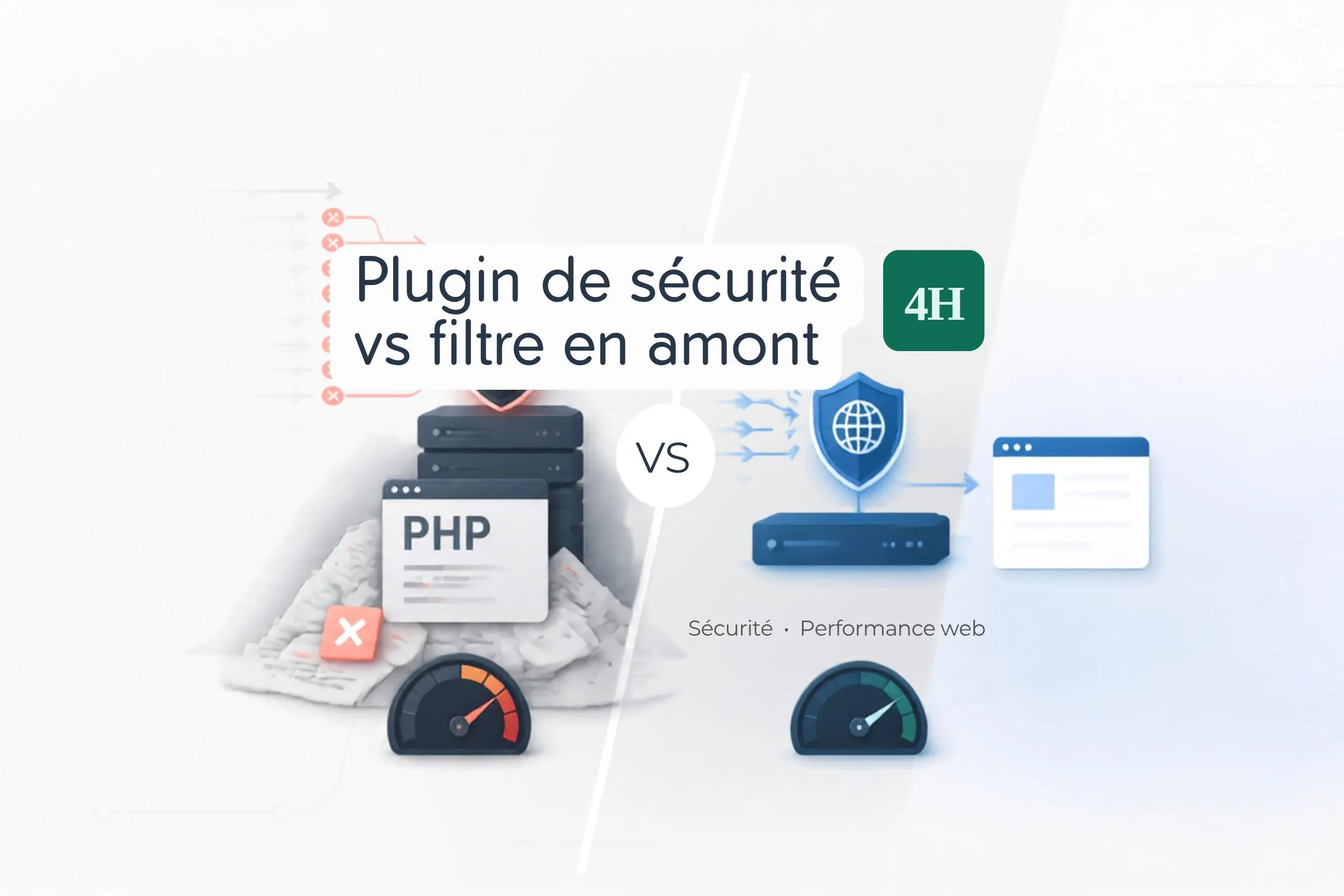
A site slowed down by bots isn't cured with a plugin. It handles the request after it has already cost what it was going to cost — and blocking must happen well before that.
A site slows down. The logs show thousands of automated requests per hour. The usual reflex: install a security plugin that promises to block bots and rate-limit traffic.
Frequent outcome: the site slows down further. That isn’t a flaw in the plugin. It’s a direct consequence of where it operates.
A request to a dynamic site passes through several layers. It reaches the web server, which hands it to the application interpreter. That interpreter starts a process, loads the software foundation, initialises the plugins, opens a database connection, then runs the requested code.
Most of the cost — memory, CPU, database connection — is consumed before a single line of business logic executes.
A security plugin is, by construction, a plugin. So it runs during that initialisation phase, or just after. By the time it decides to block a request, the foundation is already loaded, the process already started, the database connection already open.
The block works. The cost, however, has already been paid.
An application server has a limited number of concurrent processes. Each request occupies one until it completes. When all are taken, subsequent requests queue — including those from your legitimate visitors.
Faced with sustained automated traffic, the security plugin doesn’t reduce the number of processes tied up. It even adds slightly: its own detection logic consumes CPU time, and often database writes to maintain its logs and counters.
The site defends itself correctly, but saturates in exactly the same way. Sometimes a little faster.
The fix is architectural, not functional: filter traffic before it reaches your server.
A web application firewall positioned upstream, at the content delivery network layer, inspects the request as it arrives at the point of presence — therefore before any contact with your hosting. If it decides to reject it, your server never sees it. No process tied up, no database connection opened, no resources consumed.
The difference isn’t marginal. It’s categorical: on one side a request costing the price of a full application boot, on the other a request costing the price of a network decision.
On a site I was taking over, under heavy scanning, CPU load stayed at saturation despite an active and correctly configured security plugin. Moving the filtering upstream — a few well-targeted rules based on the access patterns visible in the logs — brought load back to normal within minutes.
The plugin was removed shortly afterwards. It was no longer blocking anything useful, and its removal freed the resources its own logic had been consuming.
This isn’t about removing everything. Some protections only make sense inside the application, because they depend on context the network doesn’t have.
Access rights enforcement, validation of form-submitted data, hardening file permissions, logging administrator sign-ins: all of that belongs to the application and should stay there.
The dividing line is simple. What can be decided from the request alone gets filtered upstream. Origin, frequency, access pattern, client signature. What requires knowing the user or the application state gets handled in the application.
Confusing the two means asking the application to do work the network does better, earlier, and for far less.
Look at your access logs before installing anything. Identify the patterns: which addresses, which URLs targeted, what frequency, what client signature. Most automated scans follow highly recognisable shapes.
Those patterns translate into a handful of upstream filtering rules — often fewer than ten. It’s faster to set up than a plugin, and it acts where the cost is actually paid.