3 min
A site that works can be three months away from a complete standstill. Three indicators to check, and why the breakdown always arrives at the worst moment.
“The site works, let’s not touch anything.” It sounds reasonable, and it’s the sentence that precedes most of the emergency work I handle.
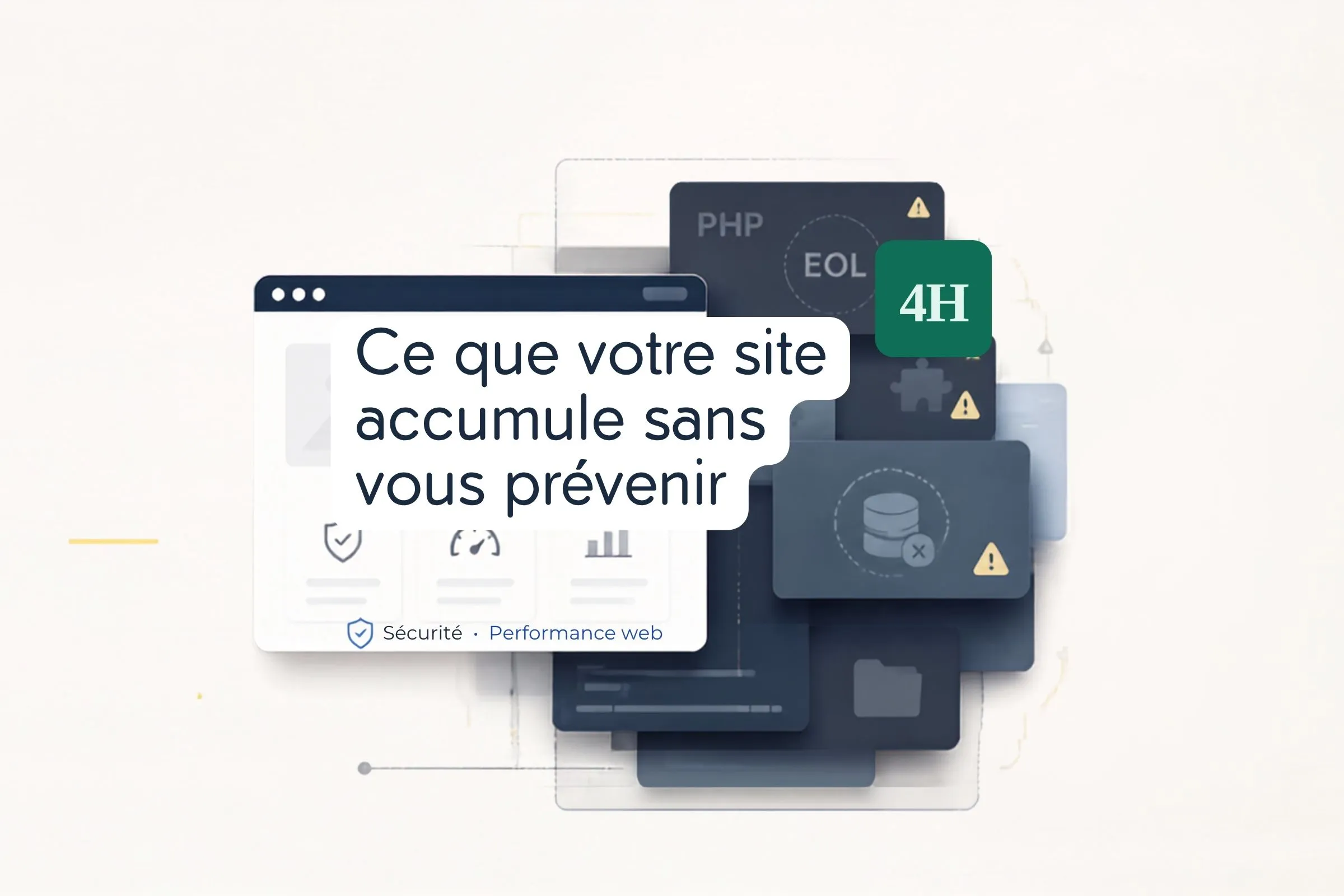
A website isn’t a stable object. Its software foundation evolves, its components stop being maintained, its versions reach end of life. Meanwhile, the site keeps serving its pages normally. The gap widens with no visible signal — until the day it becomes blocking.
The PHP version. This is the language running the majority of business websites. Every version has an end-of-support date, beyond which it receives no further security patches. An obsolete version doesn’t break anything immediately: it simply leaves you unprotected against vulnerabilities discovered after that date.
This information is visible in your hosting control panel. If the number starts with 7, the situation needs immediate attention.
Unmaintained components. On a typical installation, one or two plugins haven’t received an update in over two years. Each one is code executed on every visit, whose vulnerabilities nobody is fixing any more. These are the entry points I most often find after a compromise.
Untested backups. A backup that has never been restored isn’t a backup: it’s an assumption. I’ve seen archives that were complete but unusable — corrupted database, partial files, unknown restore procedure. You always find out on the day you need it.
These elements don’t break in isolation. They break in cascade, triggered by an external event.
The classic scenario: the host announces end of support for a PHP version and enforces a migration. The site moves to the new version, and the theme isn’t compatible. So the theme must be updated, which requires recent versions of several plugins. Two of them are no longer maintained and have never been updated. Replacements must be found, which means rebuilding the affected functionality.
What should have been a checkbox in an admin panel becomes a multi-week project. And it starts on the date chosen by your host, not by you.
A planned migration can be scheduled. You pick a quiet period, prepare a staging environment, validate before switching. The site stays available throughout.
A forced migration happens under pressure, often with the site partly unavailable, with no room for serious testing. The budget wasn’t allocated. Your usual provider may not be available.
The gap between those two situations is rarely measured in percentages. It’s measured in multiples.
You don’t need a maintenance contract to cover the essentials. Three habits are enough to avoid most blocking situations.
Every quarter, check the PHP version in your hosting panel and compare it against the official end-of-life schedule. Five minutes.
Every quarter, list your plugins and flag those whose last update is more than eighteen months old. Decide for each one: replace, remove, or knowingly accept the risk.
Twice a year, actually restore a backup to a staging environment. Not check that the file exists: restore it and open the site. It’s the only check that proves anything.
Beyond three or four sites, manual checking stops working. You forget, you postpone, and the gap widens silently on the one you look at least.
A centralised monitoring tool settles the question: a single view of versions, pending updates and backup status across the whole fleet. It’s the first thing I set up when I take over a portfolio of sites — before touching any content at all.
Because you can’t make decisions about what you don’t measure.